

About Reve
Key features:- Up to 4K resolution: Generates sharp, detailed images at high resolutions
- Built-in aesthetic training: Produces results suited for fashion editorial, cinematic, and natural lighting styles
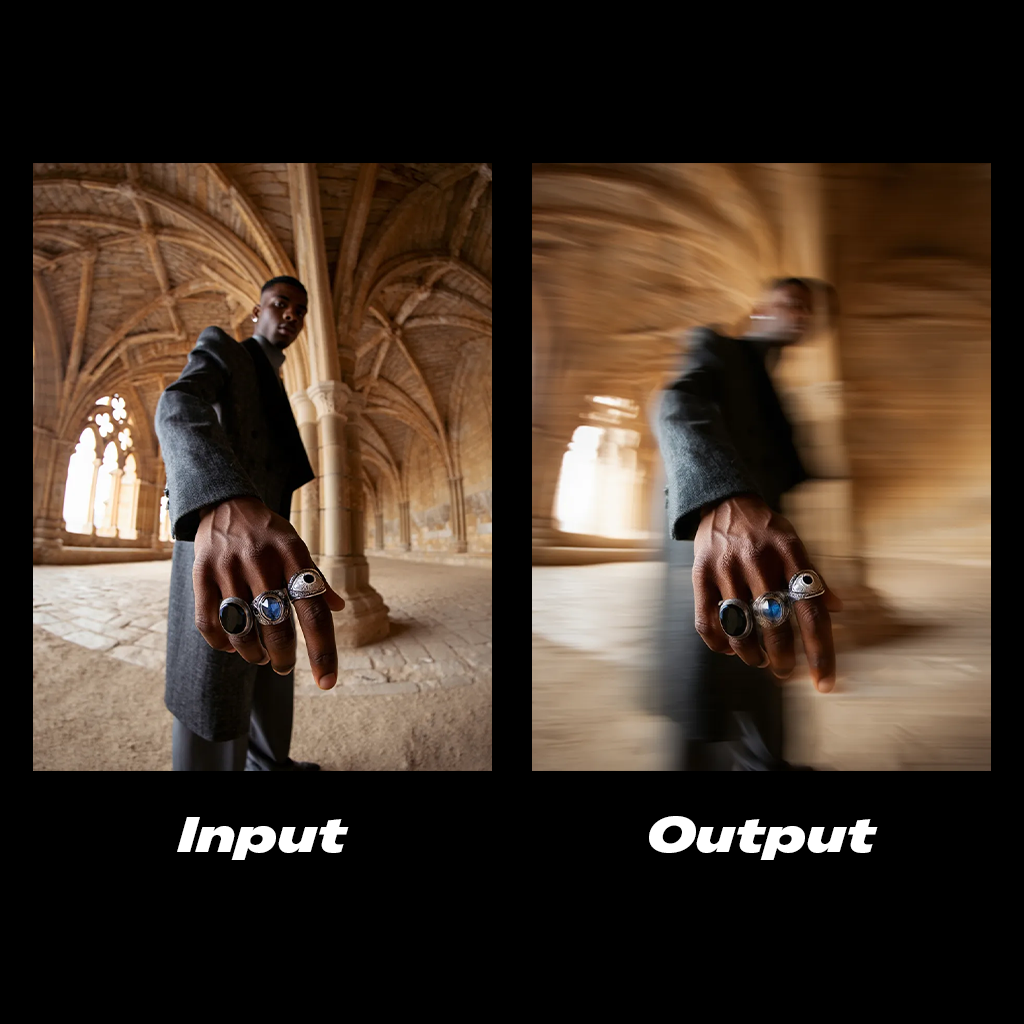
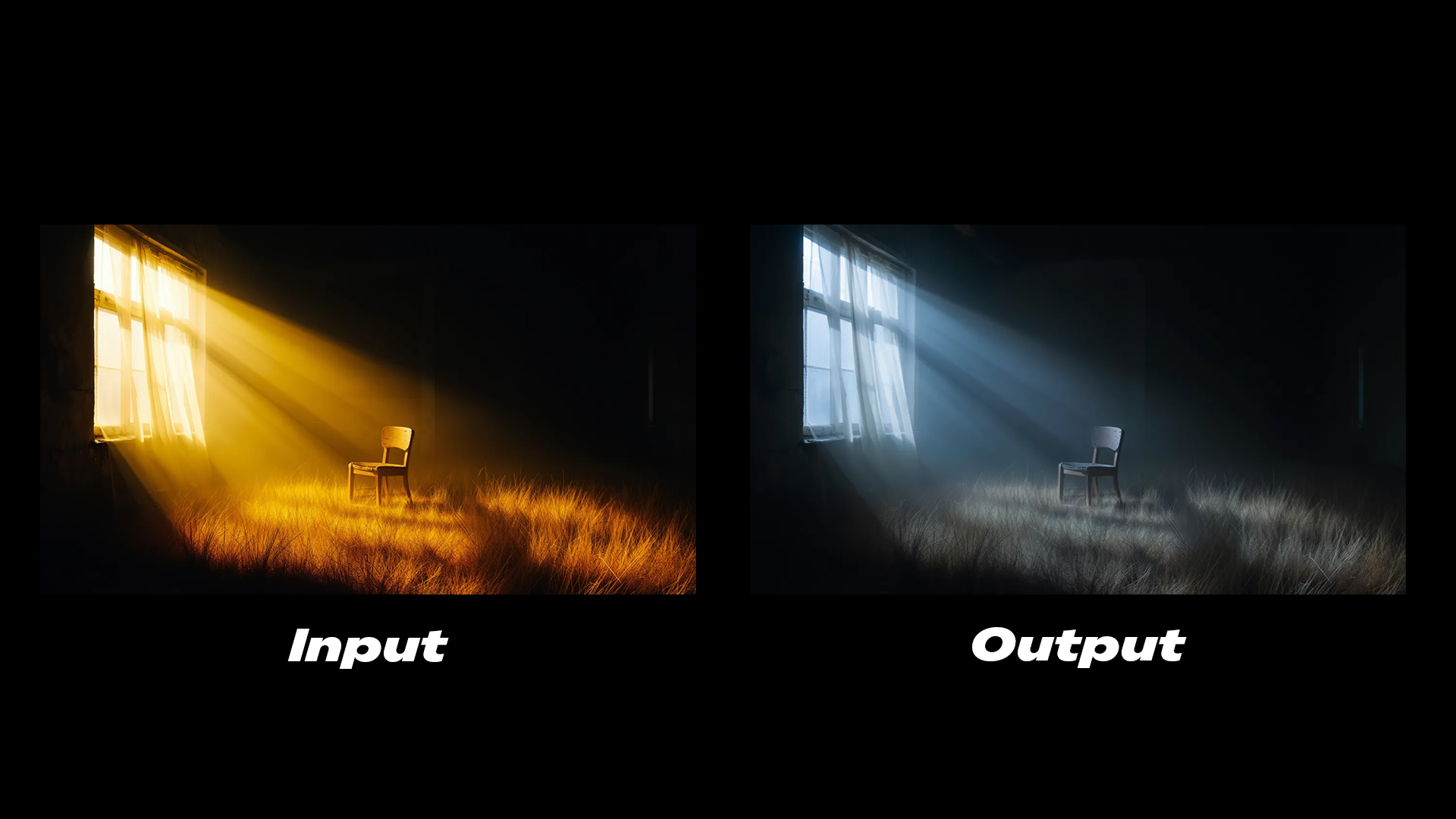
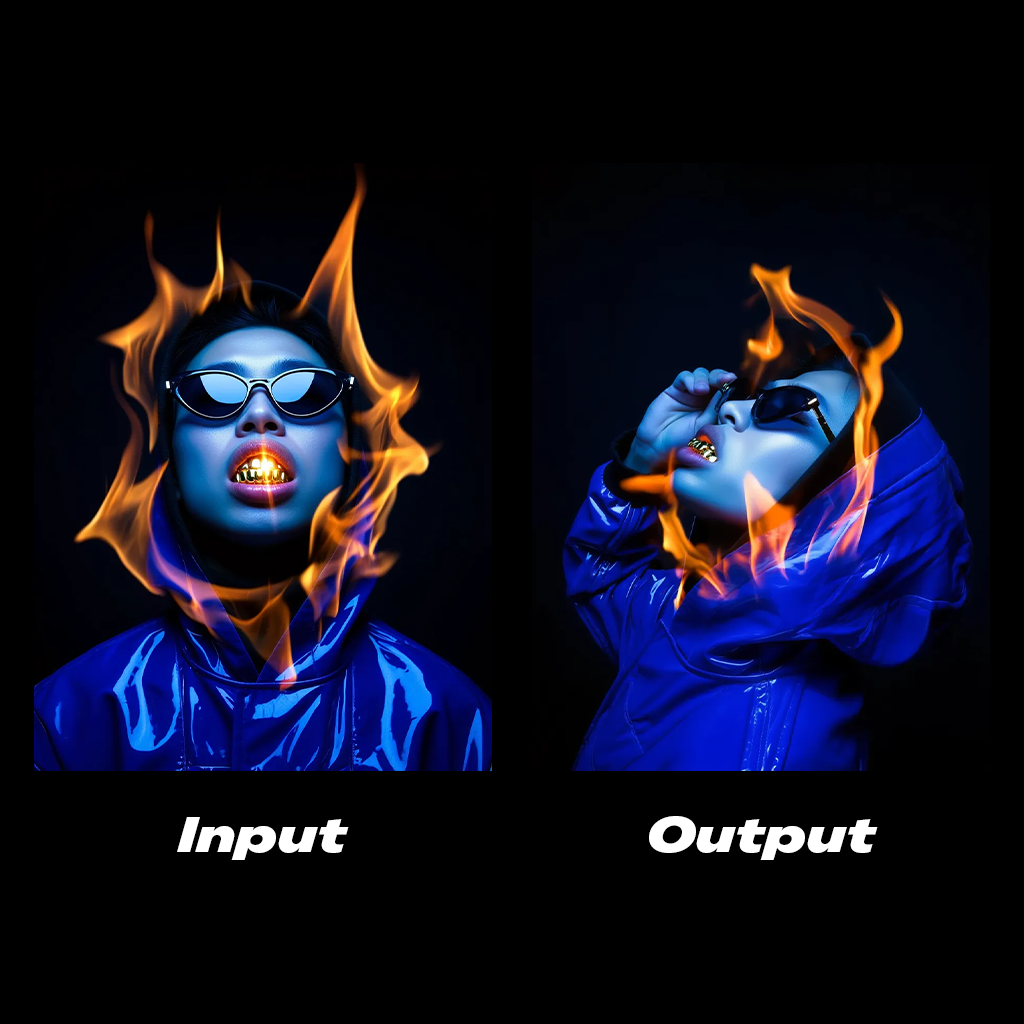
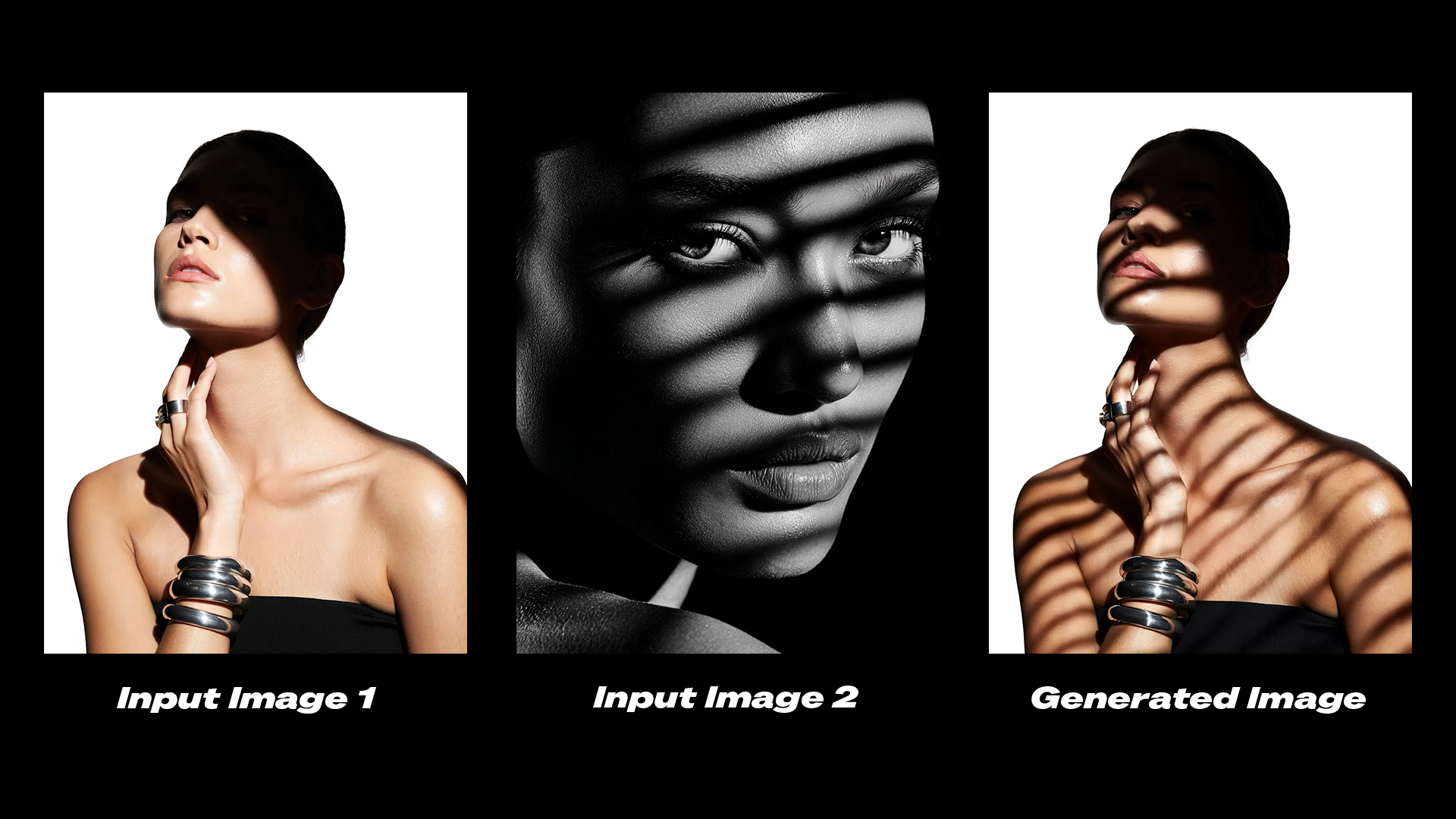
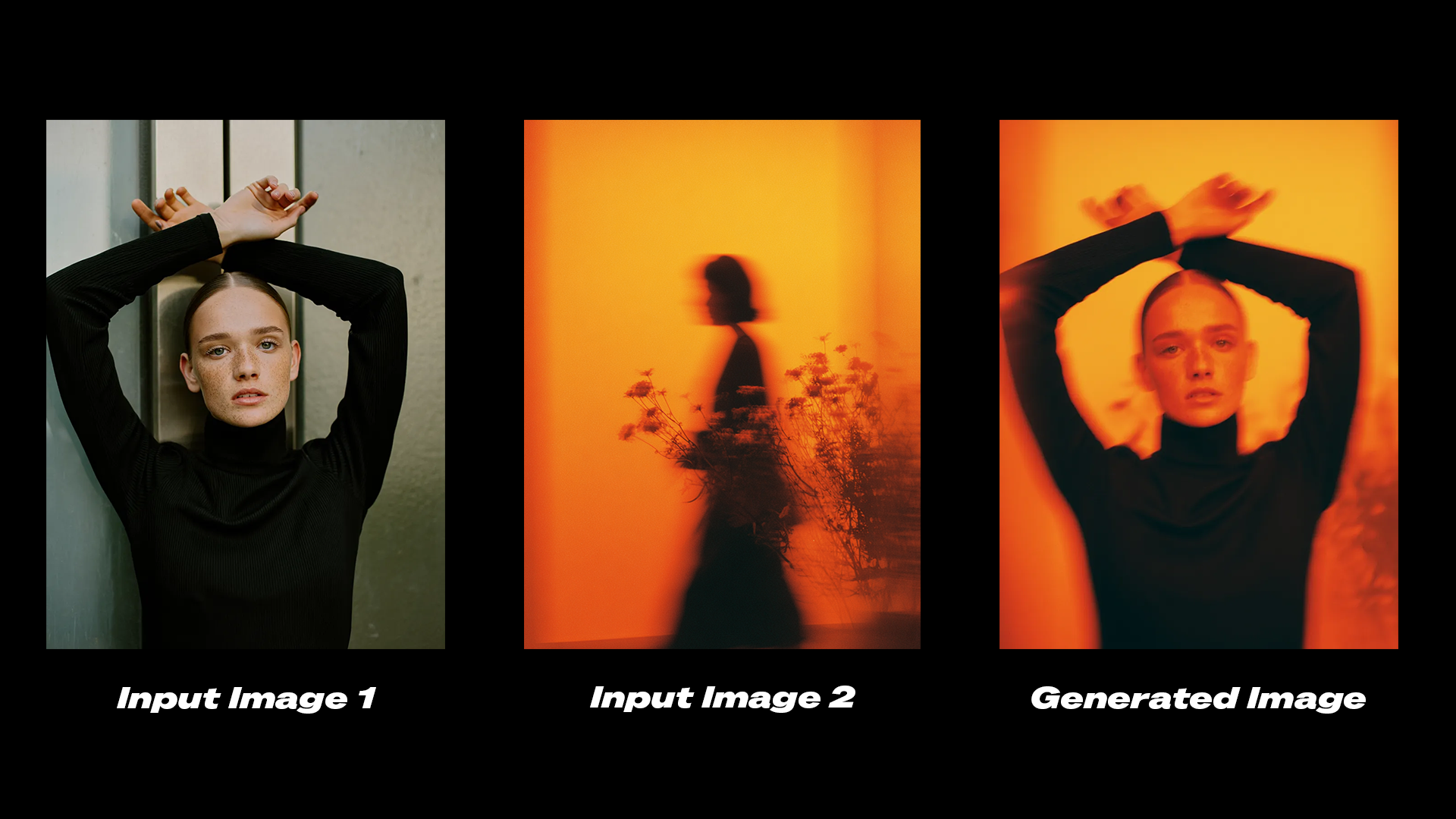
- Image editing: Modifies lighting conditions, color grading, and adds motion effects to existing images
- Image remixing: Combines elements from reference images into a target image while preserving consistency
Reve: Text to Image
Input text prompts to generate high-quality images with detailed aesthetics and accurate text rendering.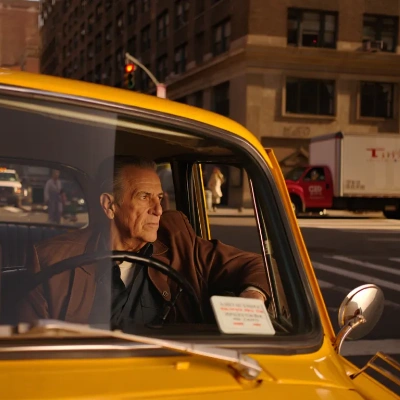
Run on Comfy Cloud
Open in Comfy Cloud
Download Workflow
Download JSON or search “Reve: Text to Image” in Template Library
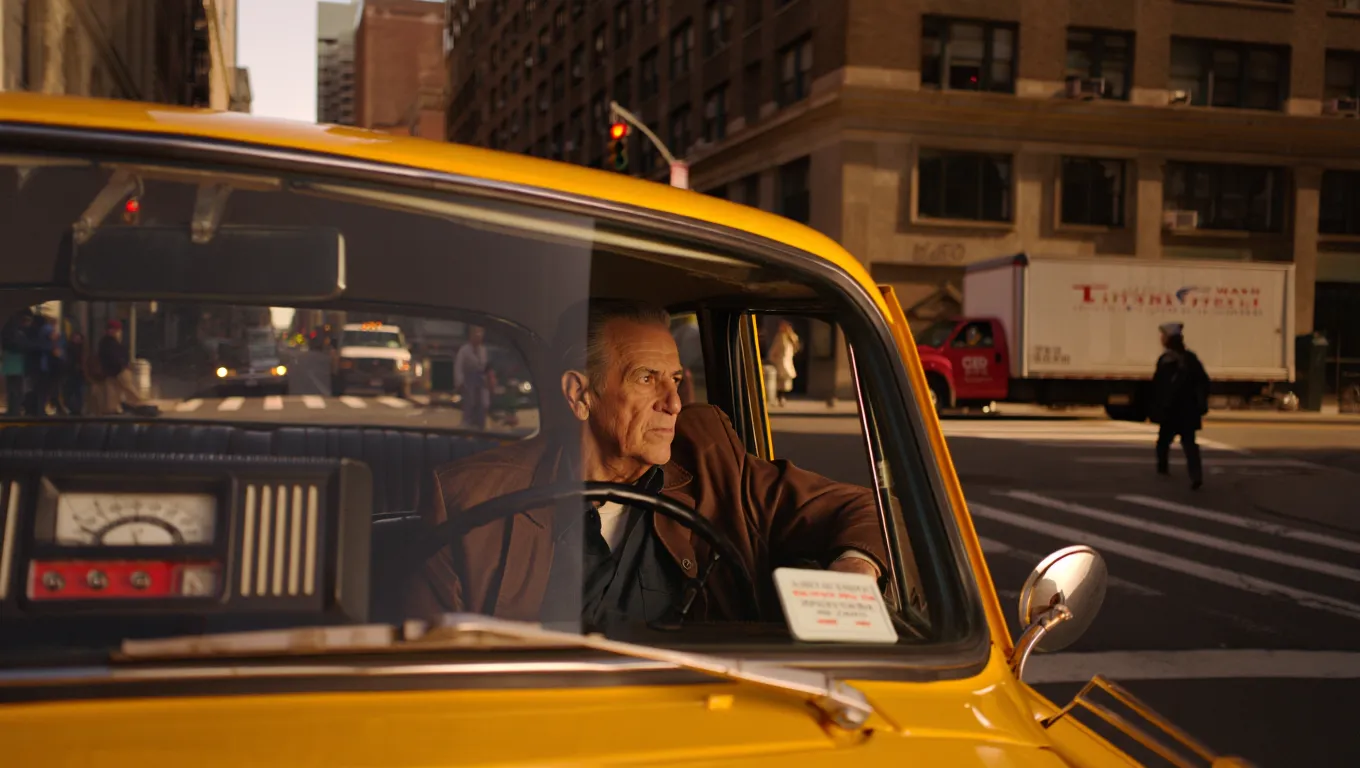
Example outputs
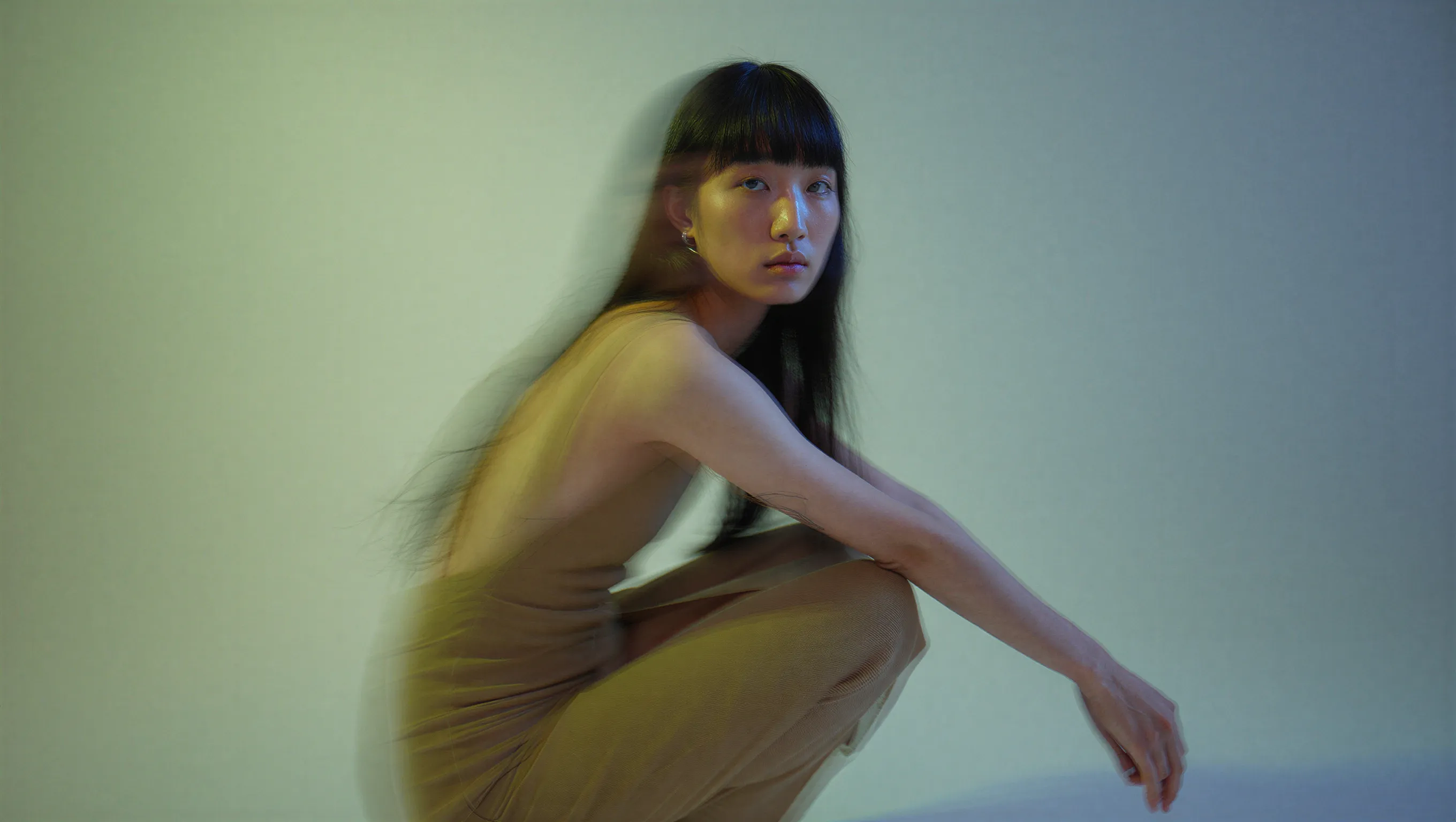



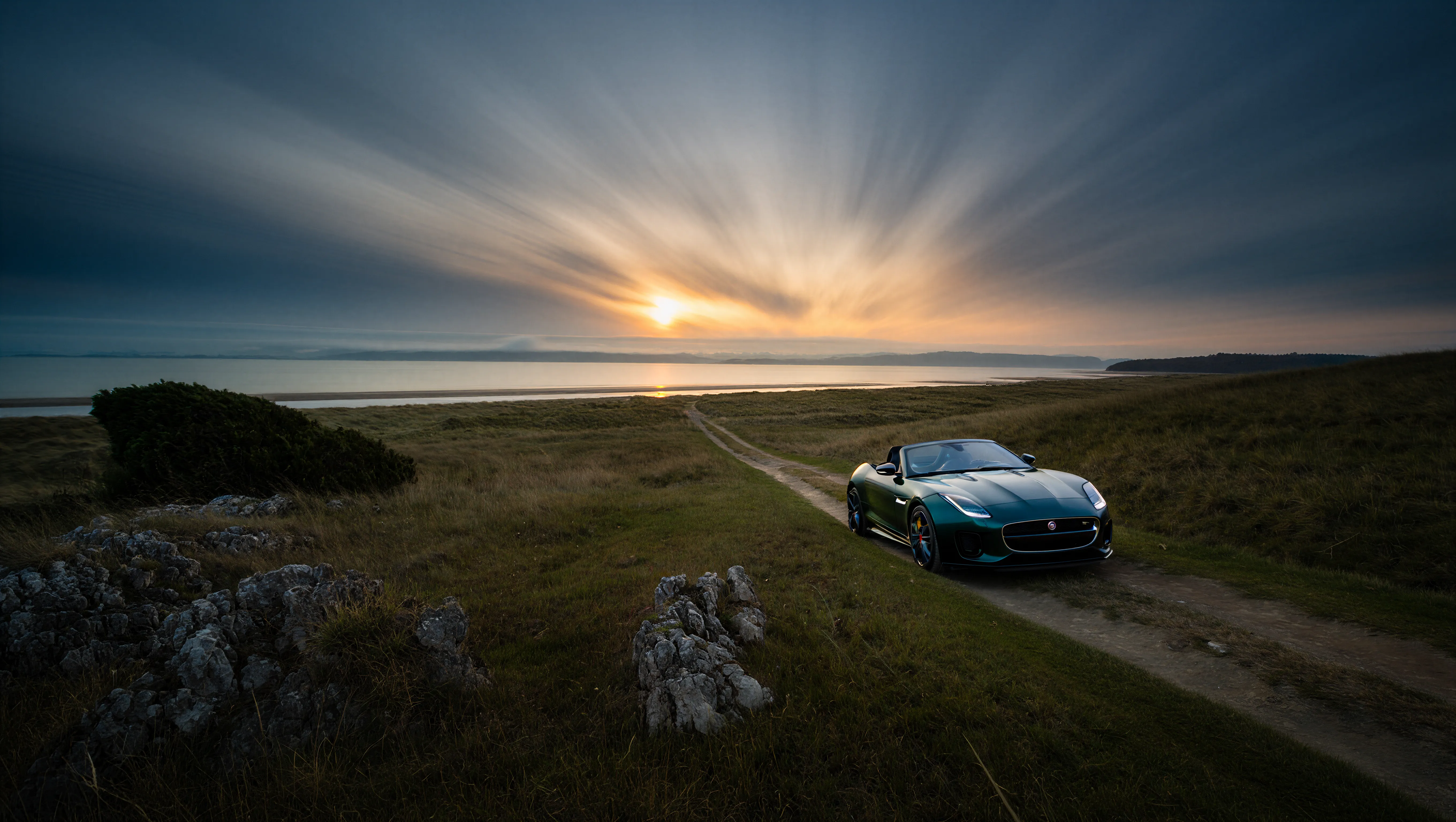

Reve: Image Edit
Upload an image and provide text instructions to edit it. Generate a modified output image using Reve’s advanced editing model.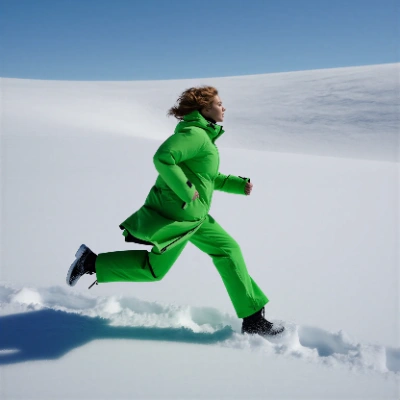
Run on Comfy Cloud
Open in Comfy Cloud
Download Workflow
Download JSON or search “Reve: Image Edit” in Template Library
LoadImage node:
woman_running_in_field.png
LoadImage node 4 · woman_running_in_field.png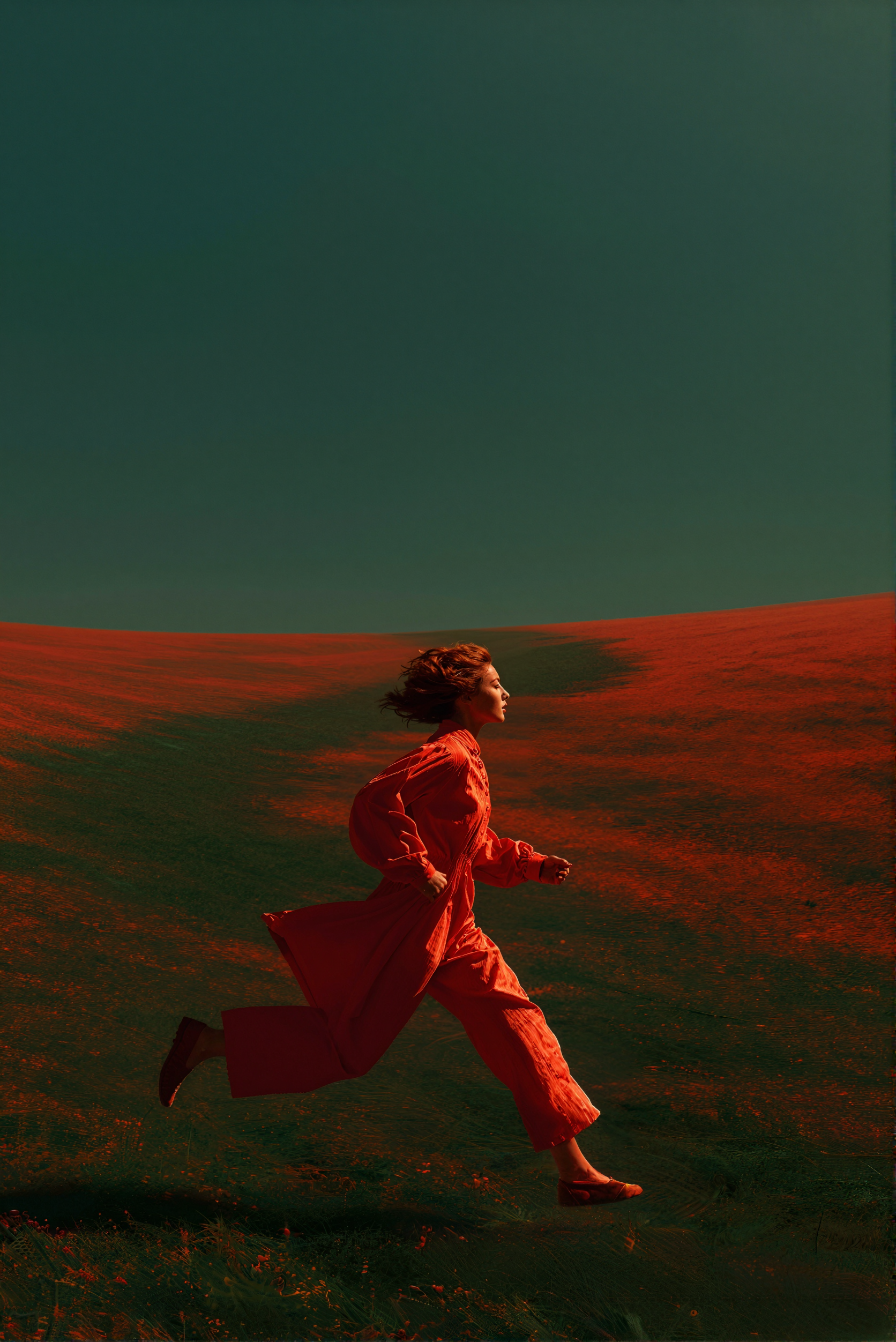
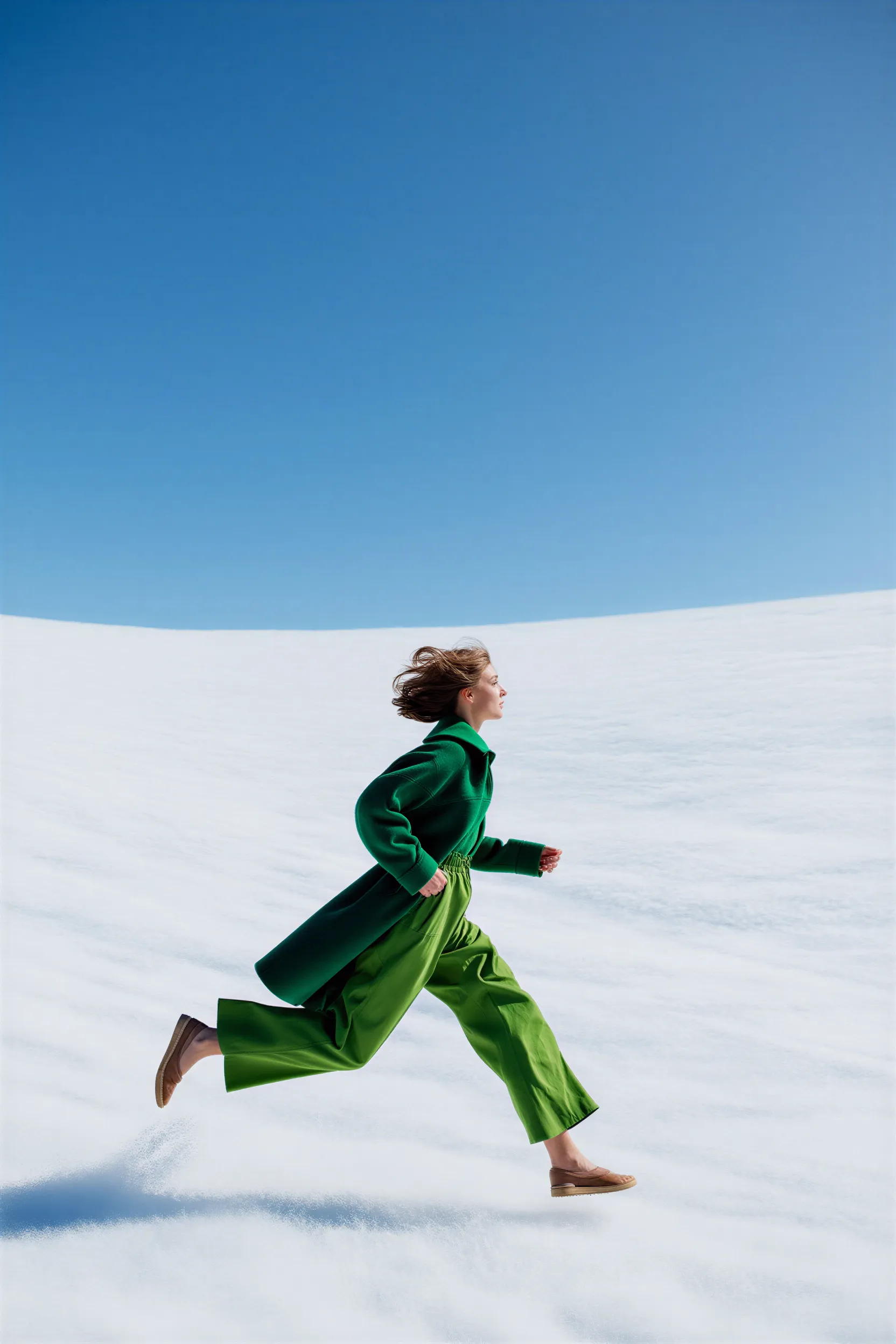
Example outputs
Reve: Image Remix And Edit
Remix and edit images using Reve’s advanced model. Combine multiple reference images into a single output.
Run on Comfy Cloud
Open in Comfy Cloud
Download Workflow
Download JSON or search “Reve: Image Remix And Edit” in Template Library
LoadImage nodes:
iced_drink_cup.png
LoadImage node 2 · iced_drink_cup.pngcasual_male_portrait.png
LoadImage node 4 · casual_male_portrait.pngjapanese_street_alley.png
LoadImage node 5 · japanese_street_alley.png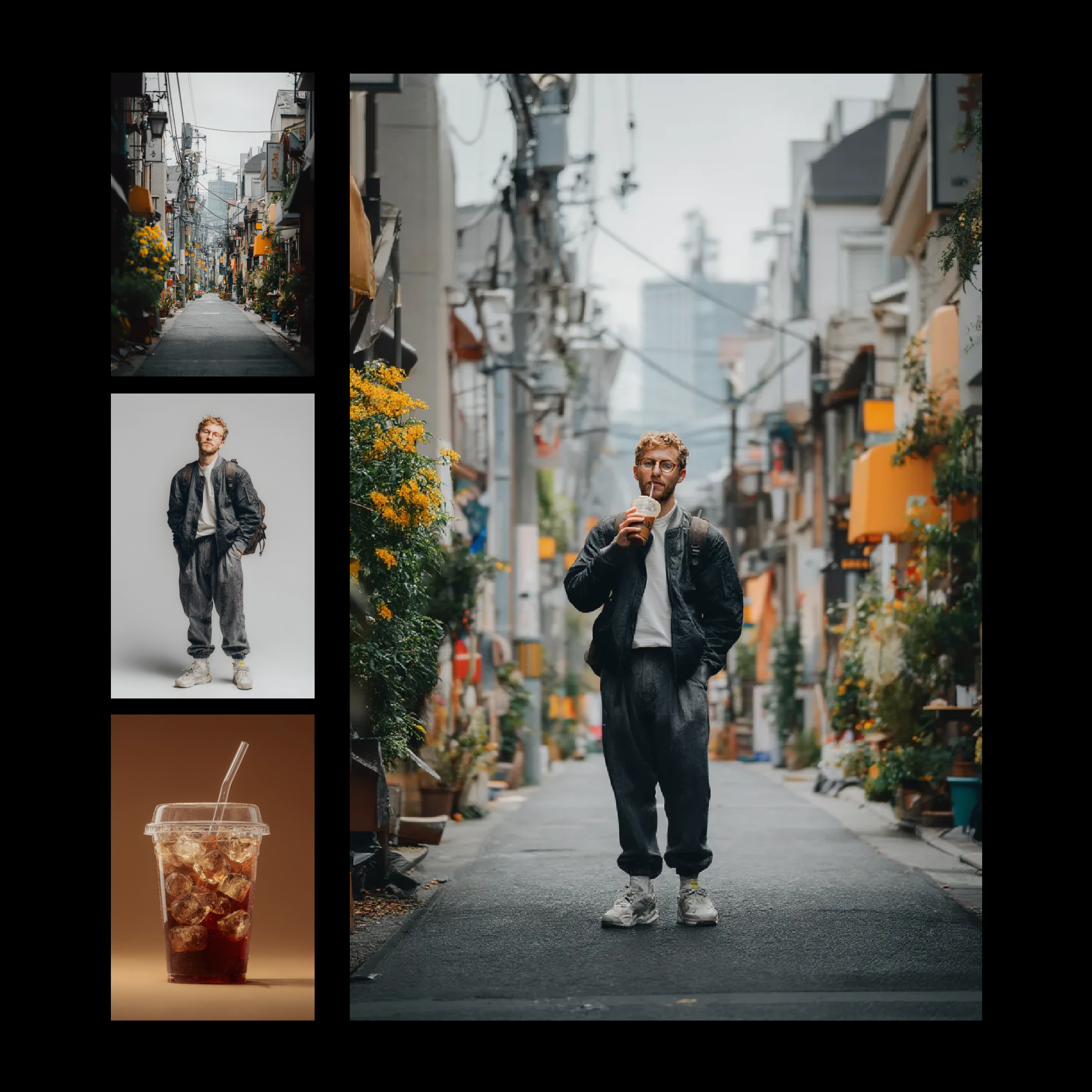
Example outputs
Get started
- Update ComfyUI to the latest version or visit Comfy Cloud.
- Find the Reve Image Create, Reve Image Remix, and Reve Image Edit nodes in the Node Library or Templates in the left sidebar.
- Drop a node on your canvas to begin.